App gratuita per macOS
Free app for macOS
Prompt486
I tuoi giochi DOS, in un clic. Trascina i giochi che possiedi: Prompt486 trova il programma giusto, imposta DOSBox come serve a ciascuno e li avvia con un vero schermo a tubo.Your DOS games, in one click. Drop the games you own: Prompt486 finds the right program, sets DOSBox up the way each game needs it, and starts it with a real tube-screen look.- GratuitaFree
- macOS 14+
- Apple Silicon e IntelApple Silicon and Intel
- Open source (GPL v3)Open source (GPL v3)
- IT · EN · DE · FR · ES
Tre passi, poi si gioca
Three steps, then you play
Tutto quello che serve è tuo: Prompt486 non contiene nessun gioco.
Everything you need is yours: Prompt486 contains no games.
Aggiungi
Add
Trascina nella finestra i file .zip dei tuoi giochi, o le loro cartelle. Prompt486 li apre e li mette in ordine nella libreria.
Drop the .zip files of your games, or their folders, onto the window. Prompt486 unpacks them and keeps them tidy in its library.
Riconosci
Detect
L'app cerca da sola il programma da avviare (esclude installatori e utilità) e applica le impostazioni note per i titoli più difficili. Se sbaglia, lo cambi da un menu.
The app finds the program to start by itself (skipping installers and utilities) and applies known settings for the trickier titles. If it guesses wrong, you pick another from a menu.
Gioca
Play
Doppio clic su «Gioca». DOSBox Staging, già incluso, parte con schermo CRT a tubo o nitido, finestra o schermo intero.
Click “Play”. DOSBox Staging, already included, starts with a tube CRT look or a sharp one, windowed or full screen.
I tuoi giochi, nel loro momento
Your games, at their best
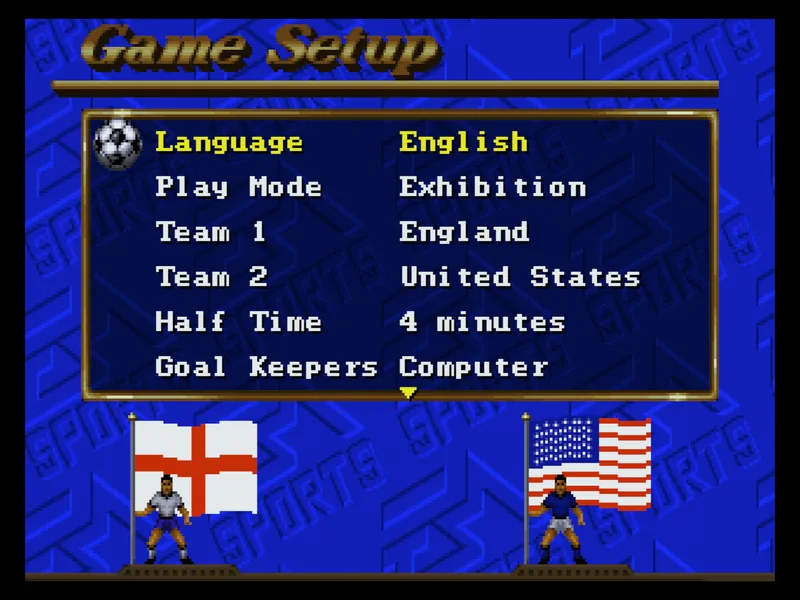
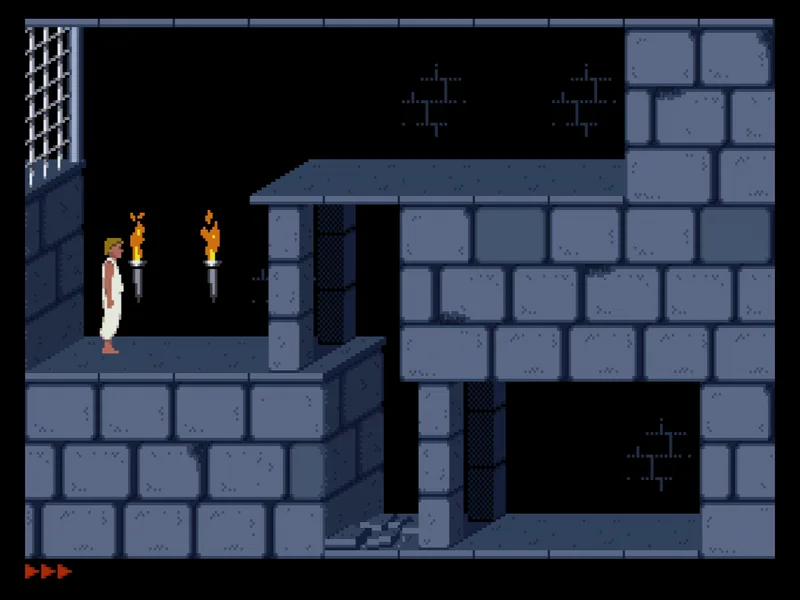
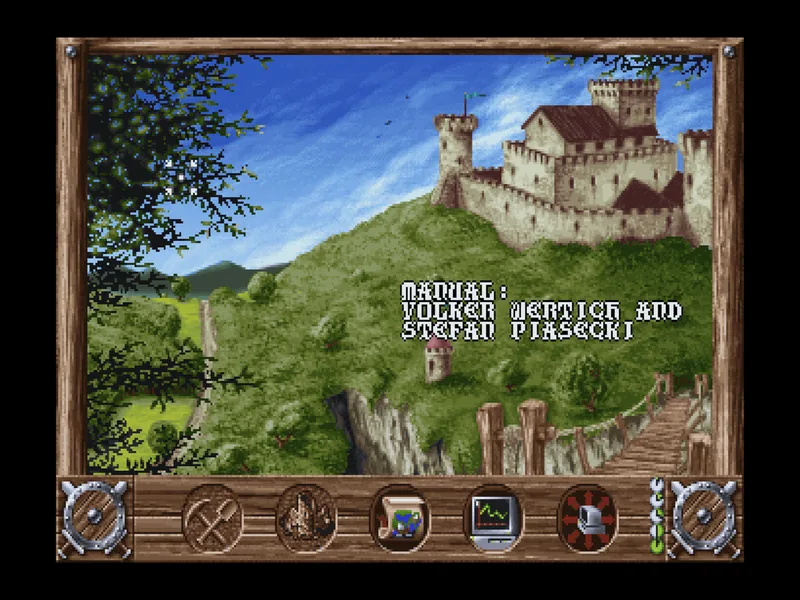
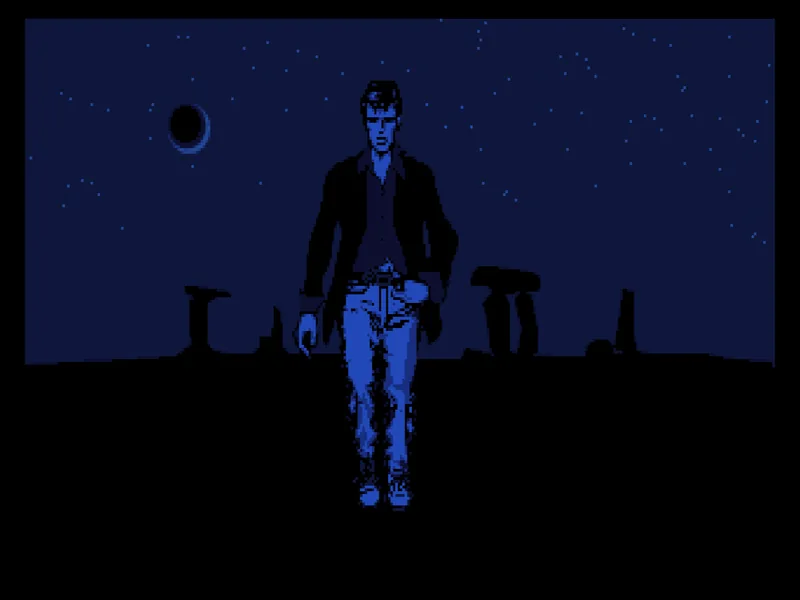
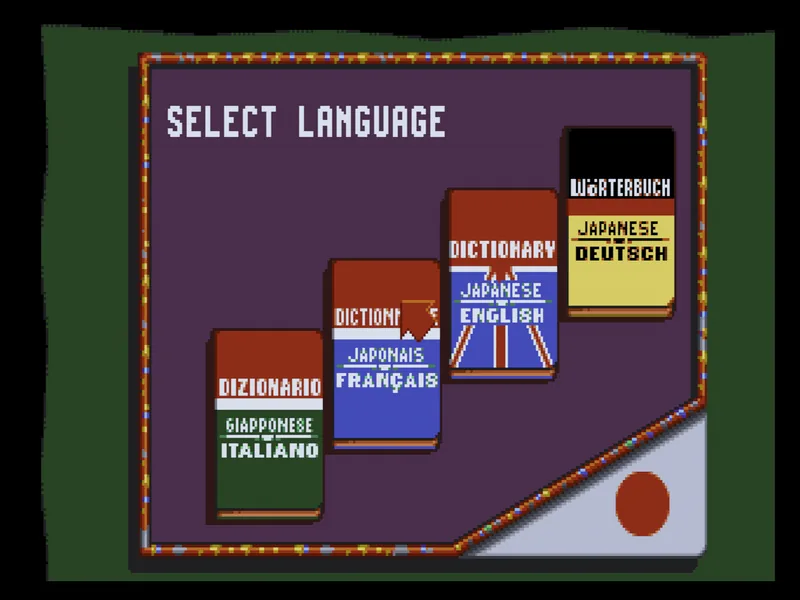
Alcuni esempi con giochi della collezione dell'autore, avviati da Prompt486. I giochi non sono inclusi: li porti tu.
A few examples from the author's own collection, running in Prompt486. Games are not included: you bring your own.

Pensata per i vecchi giochi
Built for old games
Una libreria semplice sopra DOSBox Staging, con le impostazioni che a ogni gioco servono per partire.
A simple library on top of DOSBox Staging, with the settings each game needs to start.
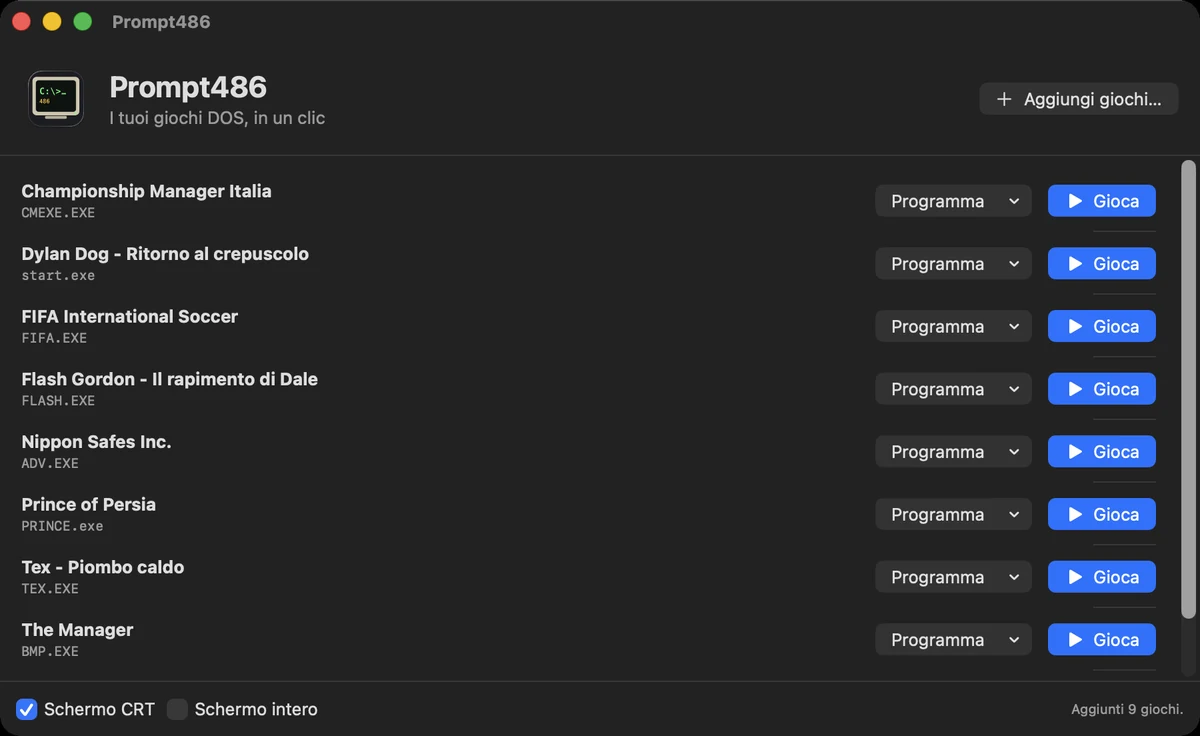
- Impostazioni per gioco: velocità e tipo di processore adatti al titolo (per esempio FIFA International Soccer, che non parte con le impostazioni normali).Per-game settings: CPU speed and type suited to the title (for instance FIFA International Soccer, which won't start with the default setup).
- Schermo CRT: scanline e colori da monitor a tubo, oppure immagine nitida, con un interruttore.CRT screen: scanlines and tube-monitor colours, or a sharp picture, with a switch.
- Programma giusto: sceglie da solo l'eseguibile e ti lascia cambiarlo con un menu.The right program: picks the executable by itself and lets you change it from a menu.
- Joypad: i controller collegati sono usati da DOSBox Staging, con due joystick.Gamepads: connected controllers are used by DOSBox Staging, with two joysticks.
- Finestra o schermo intero, sempre con le proporzioni giuste.Windowed or full screen, always with the right proportions.
Cosa serve e cosa no
What you need and what you don't
Devi avere
You must have
- I giochi DOS che possiedi, in file .zip o in cartelle.DOS games you own, as .zip files or folders.
- Per i giochi su dischetti: l'installazione già fatta, in una cartella (per ora l'installatore non è guidato).For floppy-disk games: an already installed copy, in a folder (the installer is not guided yet).
Non c'è dentro
Not included
- Nessun gioco: sono tuoi. Si possono aggiungere anche giochi davvero liberi o freeware, se ne hai.No games: they are yours. Truly free or freeware games can be added too, if you have them.
- Nessun marchio di terzi: Prompt486 non è affiliato né approvato dai detentori dei giochi o dei sistemi DOS e Windows.No third-party trademarks: Prompt486 is not affiliated with or endorsed by the owners of the games or of DOS and Windows.
Domande frequenti
Frequently asked questions
È legale?
Prompt486 è solo l'emulatore e il suo guscio: non include nessun gioco. Usa solo giochi che possiedi legittimamente. «Abandonware» non è una categoria legale: un gioco fuori commercio resta protetto dal diritto d'autore, a meno che chi ne ha i diritti lo abbia reso davvero libero.
Is it legal?
Prompt486 is only the emulator and its shell: it includes no games. Use only games you legitimately own. “Abandonware” is not a legal category: an out-of-print game stays under copyright unless the rights holder has truly made it free.
Come si esce da un gioco?
Chiudi la finestra di DOSBox o usa il comando di uscita del gioco. Il tasto «Chiudi» accanto al titolo nella libreria termina DOSBox.
How do I quit a game?
Close the DOSBox window or use the game's own exit command. The “Close” button next to the title in the library ends DOSBox.
Un gioco non parte: che faccio?
Prova a cambiare il programma dal menu accanto a «Gioca» (per esempio da un file .BAT a un .EXE). Alcuni giochi, come FIFA International Soccer, hanno bisogno di un processore diverso: Prompt486 lo imposta già per i titoli che conosce.
A game won't start: what now?
Try picking another program from the menu next to “Play” (for instance a .EXE instead of a .BAT). Some games, like FIFA International Soccer, need a different CPU setting: Prompt486 already applies it for the titles it knows.
Quali Mac?
macOS 14 o successivi, Apple Silicon e Intel.
Which Macs?
macOS 14 or later, Apple Silicon and Intel.
Costa qualcosa? È open source?
È gratuita e libera (GPL v3). Il motore è DOSBox Staging, anch'esso libero.
Does it cost anything? Is it open source?
It is free and open source (GPL v3). The engine is DOSBox Staging, also free software.
Dove sono i miei dati?
Tutto sta nella cartella Prompt486 dentro «Libreria/Application Support» del tuo utente. Per ricominciare basta cancellarla.
Where is my data?
Everything is in the Prompt486 folder inside your user's “Library/Application Support”. Delete it to start over.